
No products in the cart.
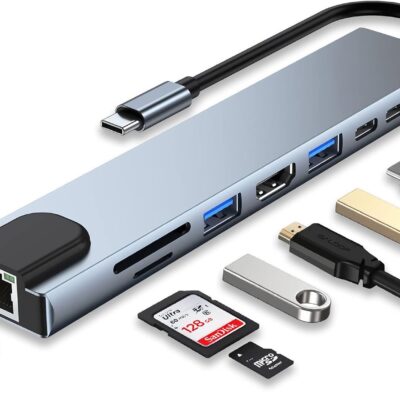
Picking out a flash drive sounds easy until you face the shelves filled with different sizes, shapes, and speeds. A flash drive, sometimes called a USB stick or thumb drive, is one of the simplest tools for saving and moving files like photos, school projects, videos, or work documents. But not every option works the same. Some are faster, some hold more, and others are built to last longer.
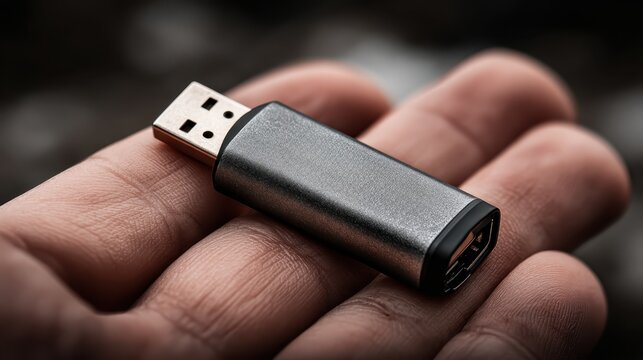
Knowing the differences can save you time and frustration later. In this guide, we’ll walk through the key things to check before buying storage space, transfer speed, device compatibility, build quality, and warranty. By the end, you’ll have a clear picture of what matters most, so choosing the right flash drive feels less like a gamble and more like a straightforward decision.
Brand and reliability
Going with a flash drive from a trusted brand gives you peace of mind, knowing it will be reliable, durable, and perform consistently. Well-known makers usually back their products with solid warranties, use better materials, and deliver the storage they promise, making you less likely to face data loss or file errors. A good reputation matters, helping you feel confident that your files will stay safe and easily accessible.
Storage capacity
Storage capacity is one of the most important factors when choosing a flash drive. Smaller options like 16GB or 32GB work well for documents and school projects, while 64GB, 128GB, or higher capacities are better for photos, videos, and large files. Picking the right USB storage size prevents running out of space or overpaying for unused capacity, helping you find the best flash drive for your everyday needs.
Speed
Speed plays a big role in how useful a flash drive feels day to day. A USB 2.0 drive may handle small documents, but transferring videos or large files can take forever. USB 3.0, 3.1, or newer models offer much faster read and write speeds, saving time and reducing frustration. Choosing the right flash drive speed makes everyday tasks smoother and ensures your storage keeps up with your needs.
Physical design
The physical design of a flash drive affects both convenience and durability. Slim, lightweight USB drives are easy to carry on a keychain or in a pocket, while sturdier metal or rugged designs protect against drops and wear. Some models come with sliding covers or caps to shield the connector. Picking the right flash drive design balances portability, protection, and style, making it a practical storage choice for daily use.
Compatibility
Compatibility is key when choosing the best flash drive, since not every device uses the same USB port or file system. Many laptops and desktops still support standard USB-A, while newer models may require USB-C. Smart TVs, tablets, and gaming consoles also vary in support. Checking compatibility ensures your flash drive works seamlessly across devices, avoids frustrating errors, and keeps your files accessible whenever and wherever you need them.
Conclusion
Choosing the best flash drive comes down to balancing storage capacity, speed, design, compatibility, and reliability. By understanding these key factors, you can pick a drive that fits your daily needs, keeps your files safe, and makes storing or transferring data simple and stress-free.